Smart Image Tools Journal
Practical guides to image preparation, local tools and the limits worth understanding.
Lossless Image Compression: Why Some Files Get Smaller and Others Do Not
Optimize image storage without changing pixels. Understand PNG, JPG and WebP handling, unchanged results and the difference from lossy export.
Remove an Image Background: Check Hair, Edges and Transparent Exports
Create a local AI cutout, compare its outline on different backgrounds and choose a transparent or solid export without assuming perfect segmentation.
Upscale an Image with AI: Plan the Pixels and Check the Invented Detail
Choose 2× or 4× enlargement, inspect the planned input and output, and review text, faces and texture before accepting an AI result.
Add a Text Watermark: Placement, Contrast and Consistent Batch Exports
Place a readable brand label without covering the subject. Check long text, mixed image dimensions and the applied batch settings before downloading.
Pick Colors from an Image: Exact Pixels, Sampled Palettes and Text Contrast
Get HEX, RGB and HSL from a selected pixel, export a sampled palette and check readable text against a deliberate background.
Make Readable Image Captions: Wrapping, Outlines and Export Quality
Build concise top and bottom captions, control typography and inspect the smallest viewing size before exporting a raster image.
Adjust Photo Brightness, Contrast and Saturation Without Overdoing It
Make controlled pixel adjustments, compare one change at a time and check highlights, shadows and color before exporting a full-resolution PNG.
Redact a Screenshot: Solid Covers, Selection Bounds and Final Checks
Cover private details deliberately, avoid treating blur as secure removal and inspect the flattened download before sharing it.
Make a Photo Collage: Cell Size, Cropping and Consistent Spacing
Arrange two to eight pictures, calculate useful cell dimensions and choose whether to retain every photo edge or fill the layout.

Split an Image into Tiles: Uneven Dimensions, Naming and Reconstruction
Partition a complete image into labeled PNG pieces, understand one-pixel size differences and check the row-and-column order before using the ZIP.
Create a Circular Avatar: Framing, Transparent Corners and Output Size
Position and zoom a photo inside a circle, export a square PNG with alpha and test how the destination treats the transparent corners.
Add an Image Border or Transparent Padding: Calculate the Final Size
Add space outside the original picture, choose solid or transparent padding and account for the extra pixels before submitting an exact-size image.
Image File Size and Pixel Memory: Why a Small JPG Can Be Expensive to Edit
Measure actual file bytes, estimate decoded pixel storage and understand why upload size and browser memory are different requirements.
Fit or Fill a Social Image Canvas Without Stretching the Subject
Choose a canvas shape, preserve proportions and decide whether empty space or cropped edges better suits your image.
Image to Base64: Choose Raw Code or a Data URI and Copy the Complete Result
Understand the MIME prefix, encoding overhead and preview limit before using an image as Base64 in a document or integration.
Sharpen an Image Without Creating Halos or Amplifying Noise
Compare gentle sharpening with stronger settings at actual size and recognize when added edge contrast stops helping.
Remove a Solid Color Background While Protecting Enclosed Details
Choose edge-connected or all-pixel removal, adjust color tolerance and test whether a checkerboard is actually transparent.
Calculate an Image Aspect Ratio and New Dimensions Without Stretching
Simplify width-to-height proportions, calculate the missing side and understand when whole-pixel rounding or cropping is necessary.
Compare Two Images: Read Pixel Differences Without Misleading Scores
Use a before-and-after slider and a full-resolution difference map. Understand tolerance, transparency and why changed pixels are not a quality score.
Find Duplicate Images: Exact Copies, Similar Photos and Safe Exports
Find byte-identical image copies, choose a keeper and export unique originals. Understand why recompressed or visually similar pictures remain separate.
Crop an Image Without Stretching: Aspect Ratios and Exact Pixels
Make a square or wide image without distorting the subject. Calculate the crop, position it carefully, then resize only when needed.
Convert SVG to PNG: Sharp Exports, Fonts and Transparency
Choose useful raster dimensions, keep the correct aspect ratio and resolve font or resource problems before converting a vector graphic.

Create and Install Favicons: Small Icons That Stay Readable
Design for the smallest browser icon, export a complete package and check the installation paths instead of judging only a large preview.
Make a GIF from Images: Frame Order, Timing and File Size
Build a predictable animation with per-frame delays, consistent canvas proportions and a deliberate background. Check playback before downloading.
Image to Text: Improve OCR Results and Proofread the Output
Prepare clear English text, recognize it locally and check names, numbers and punctuation against the source. Confidence is not a correctness guarantee.
Batch Rename Images: Numbered Files Without Changing Quality
Give a collection clear filenames, control the sequence and download renamed originals in a ZIP. Renaming preserves image bytes and embedded metadata.
How to Compress an Image to an Upload Limit Without Guessing
Meet a 100 KB or 200 KB upload limit with the right format, measured bytes and a visual check. Learn when lossless compression cannot meet the target.
JPG, PNG or WebP: Choose the Right Format for Your Image
Choose a format for photos, screenshots and transparent graphics. Compare actual files instead of assuming one format is always smaller or better.
Resize vs. Compress: How to Make an Image Smaller Correctly
Understand pixels versus bytes, preserve proportions and avoid stretching. Use a worked resizing example before tackling a file-size limit.
Why Your Transparent PNG Looks White—and How to Check It
Distinguish real alpha transparency from a baked-in checkerboard or white background. Check edges and export to a format that preserves transparency.
Remove Photo Metadata Before Sharing: What to Check
Remove embedded camera and location data from a sharing copy, review visible private details and understand the limits of metadata removal.
Convert HEIC to JPG: A Practical Guide for Uploads and Sharing
Convert a phone photo into a compatible JPG, check orientation and color, and understand why the new file may be larger or lose camera-specific information.
Pixels to Print Size: Calculate PPI Without Losing Detail
Calculate inches or centimeters from pixels, understand 300 PPI and prepare a print without mistaking a DPI tag for additional image detail.
Combine Images into a PDF: Page Order, Quality and File Size
Create an ordered PDF from JPG, PNG or WebP images. Choose page layout and encoding, review every page and understand why scanned text is not searchable.
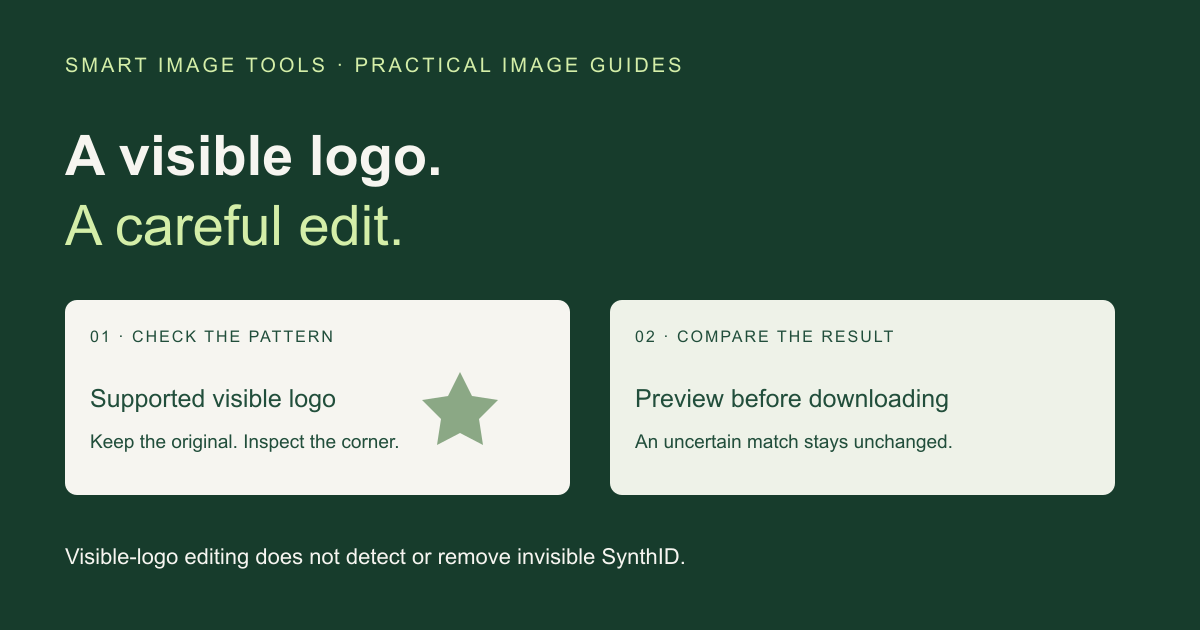
How to Remove a Visible Gemini Watermark: Steps and Limits
Use Smart Image Tools’s local visible-logo tool, compare the edited corner and choose an export. Learn why edited or resized images may stay unchanged and why this does not remove SynthID.
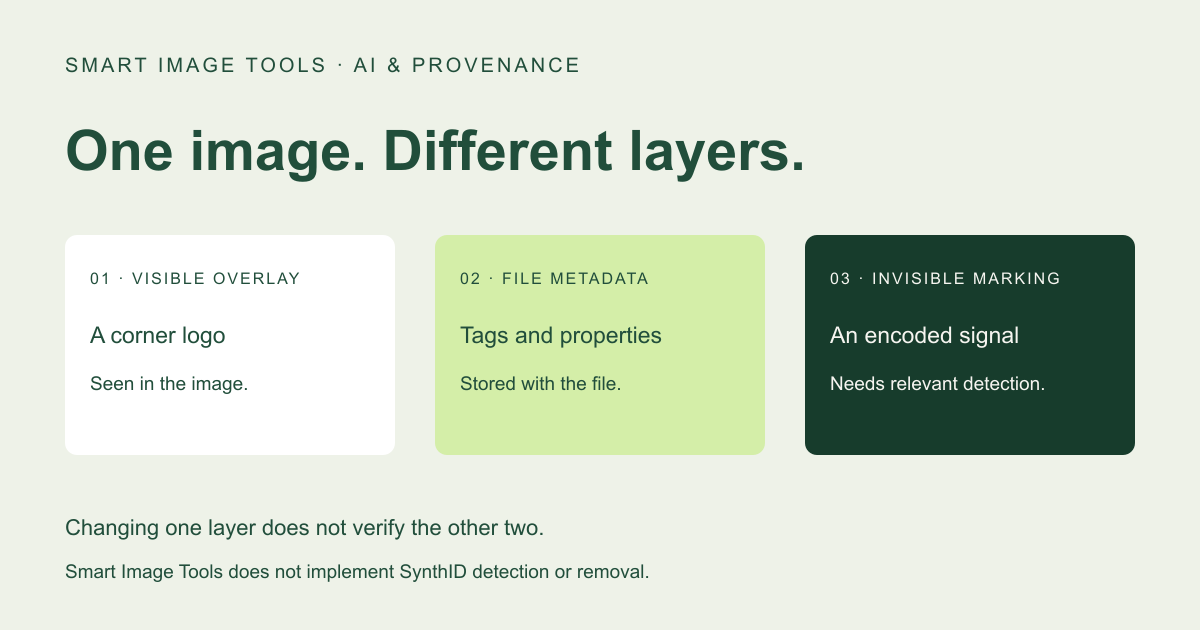
Visible Gemini Logo vs. SynthID: What Smart Image Tools Changes
A corner logo, invisible AI marking and file metadata serve different purposes. Understand the scope of Smart Image Tools’s visible-logo edit and what it cannot verify.